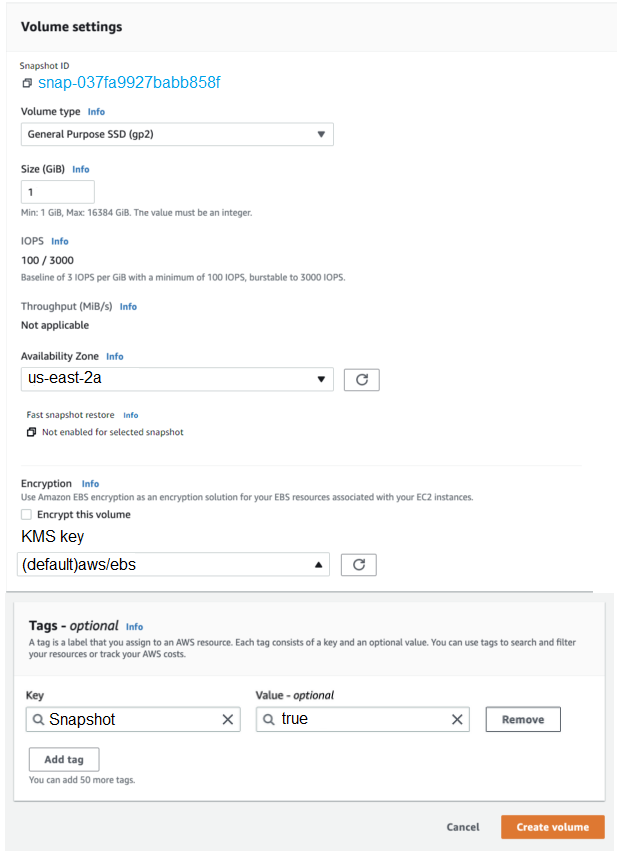
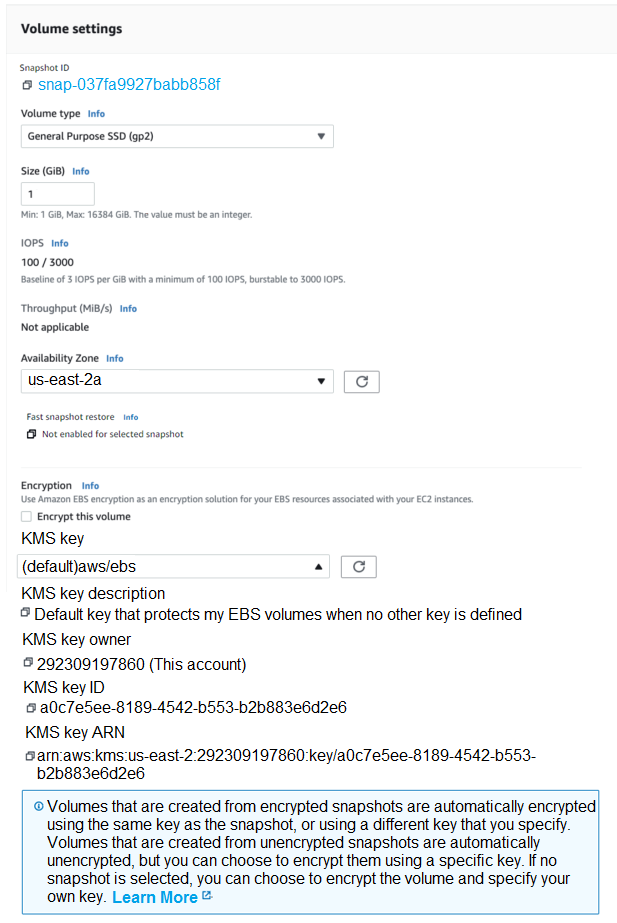
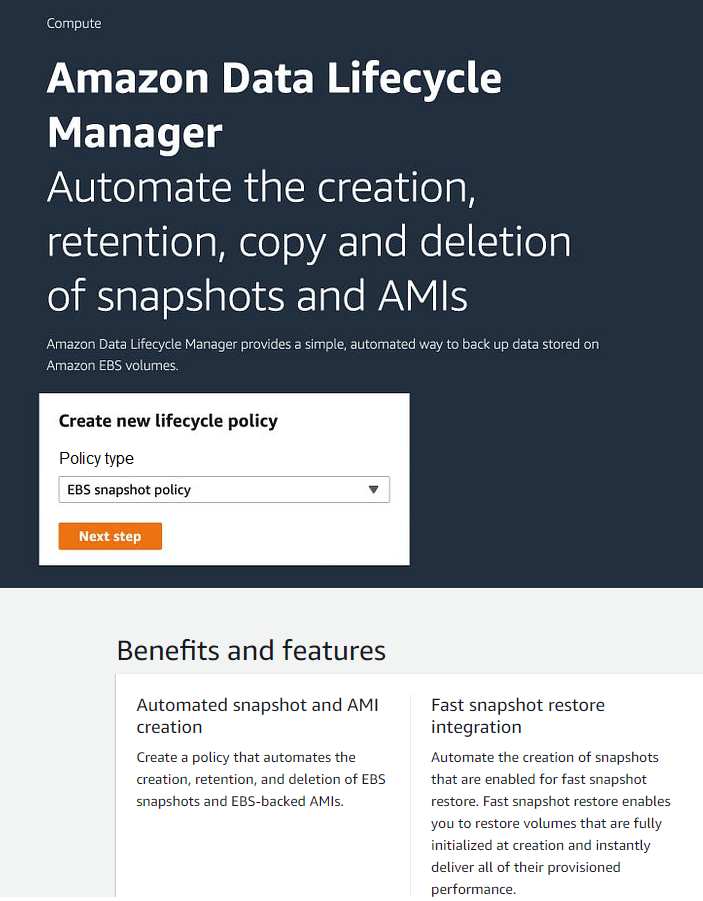
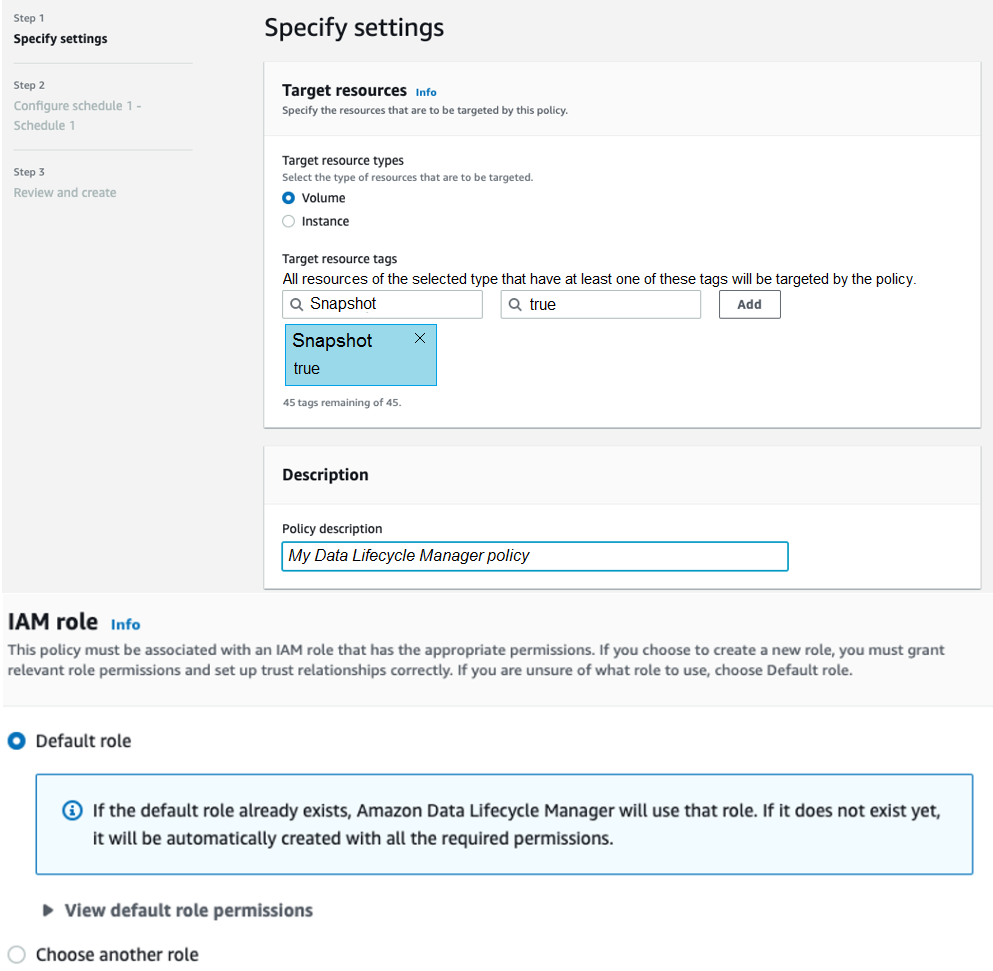
A company hosts a production database on an Amazon Elastic Block Store (Amazon EBS) backed Amazon EC2 instance. As part of an annual disaster recovery exercise, the company needs to restore recent EBS snapshots to a new EC2 instance in a second Availability Zone. After the snapshots are restored to EBS volumes, the resulting volumes must deliver all of their provisioned performance. The company must perform validation tests on the restored data as quickly as possible. Which configuration will meet these requirements?
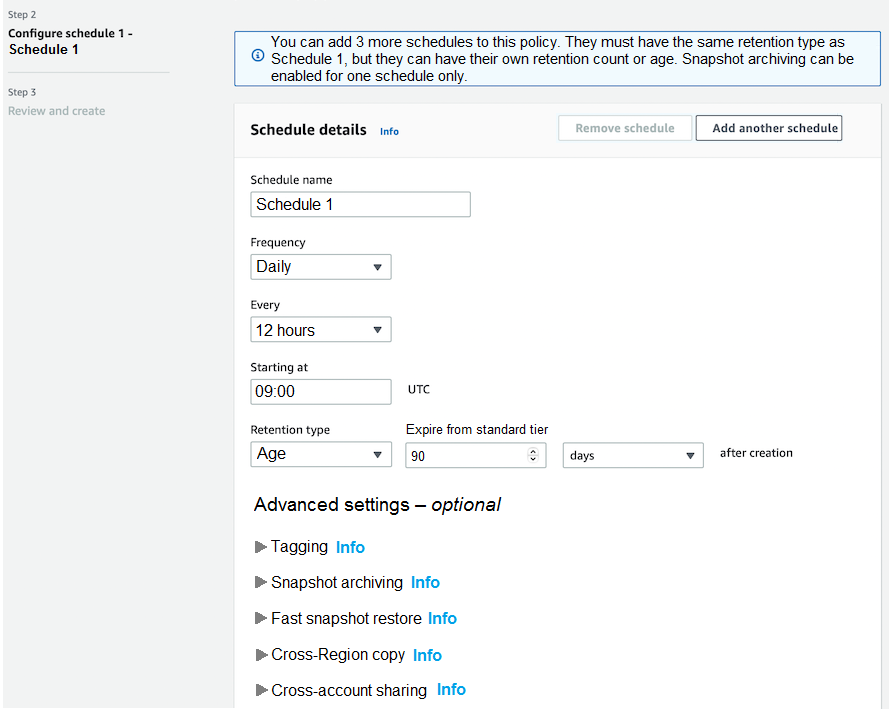
- AEnable EBS fast snapshot restore (FSR) on the snapshots for the second Availability Zone. Create new EBS volumes in the second Availability Zone from the snapshots. Attach the new EBS volumes to a new EC2 instance. (correct answer)
- BEnable EBS fast snapshot restore (FSR) on the snapshots for the current Availability Zone. Create new EBS volumes in the second Availability Zone from the snapshots, Attach the new EBS volumes to a new EC2 instance.
- CSpecify Provisioned IOPS on the snapshots, Create new EBS volumes in the second Availability Zone from the snapshots. Attach the new EBS volumes to a new EC2 instance.
- DSpecify Provisioned IOPS on the existing EBS volumes. Create the snapshots. After the snapshots are completed, create new EBS volumes in the second Availability Zone from the snapshots. Attach the new EBS volumes to a new EC2 instance.
Reveal answer & explanationHide answer
The correct answer is A. Option A: Enable EBS fast snapshot restore (FSR) on the snapshots for the second Availability Zone. Create new EBS volumes in the second Availability Zone from the snapshots. Attach the new EBS volumes to a new EC2 instance.
Explanation
Amazon EC2 provides resizable virtual servers when you need full control of the operating system. Amazon EBS provides block storage attached to a single EC2 instance. By spanning multiple Availability Zones / adding redundancy, this option provides the high availability and resilience required.